

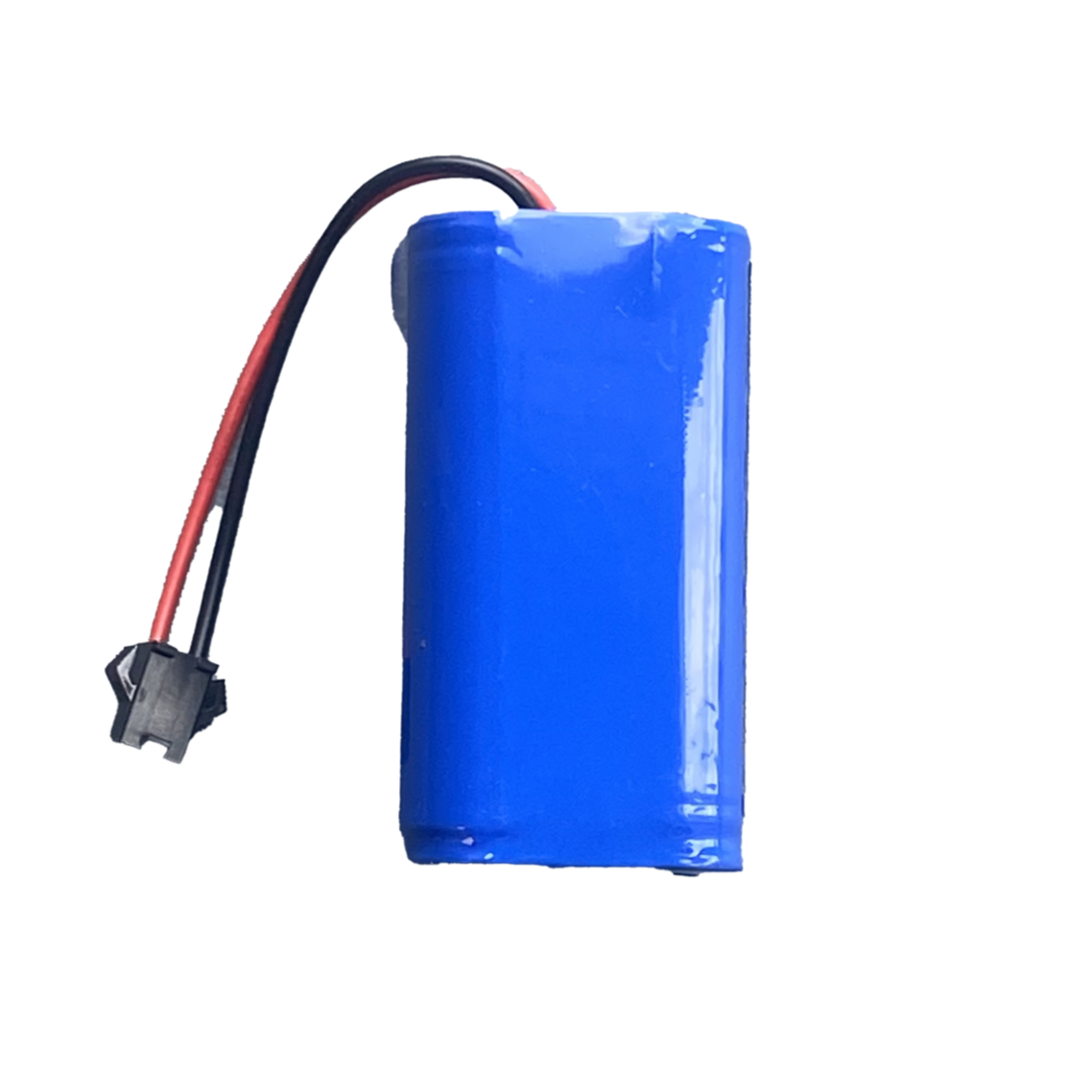
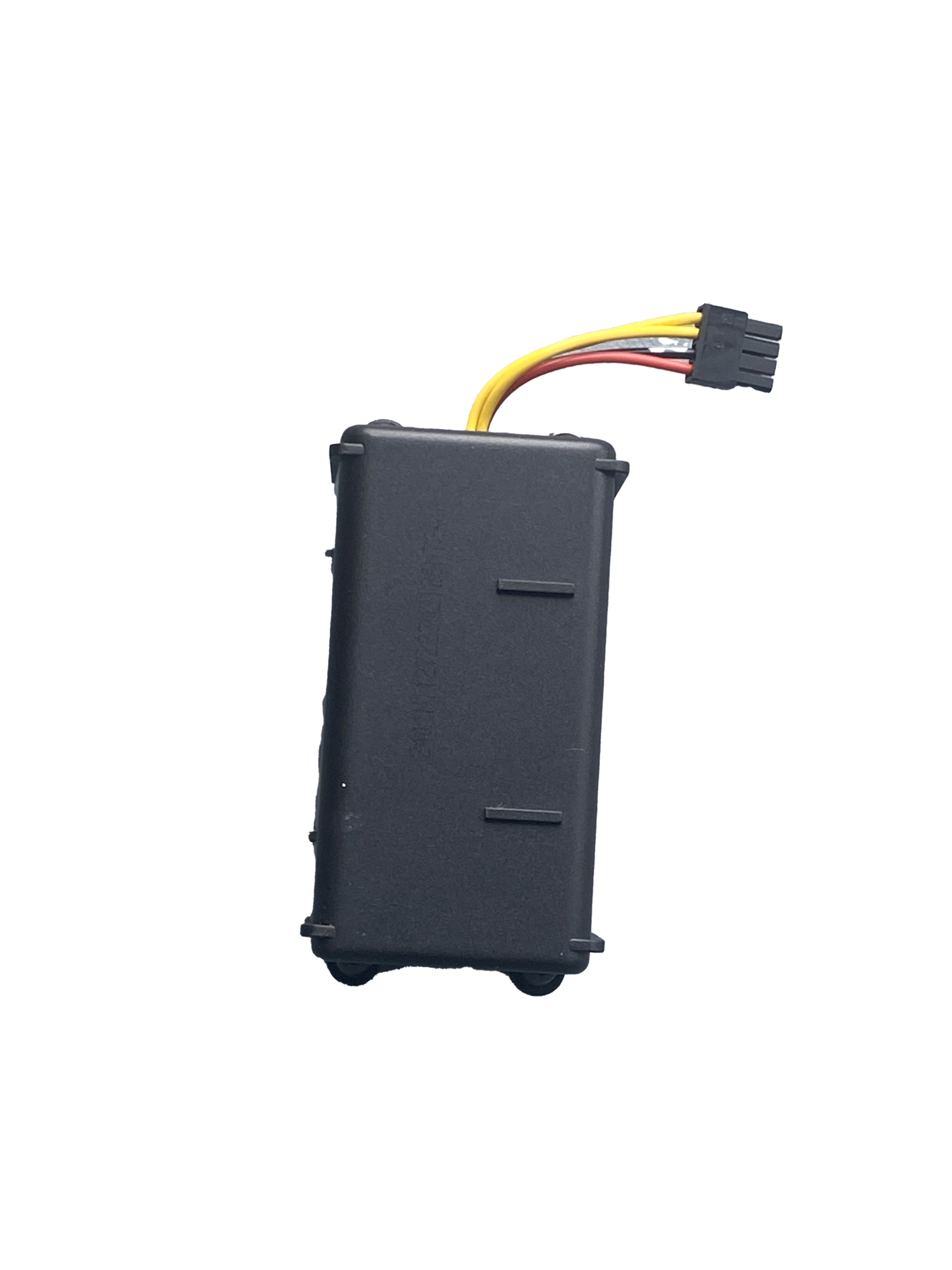
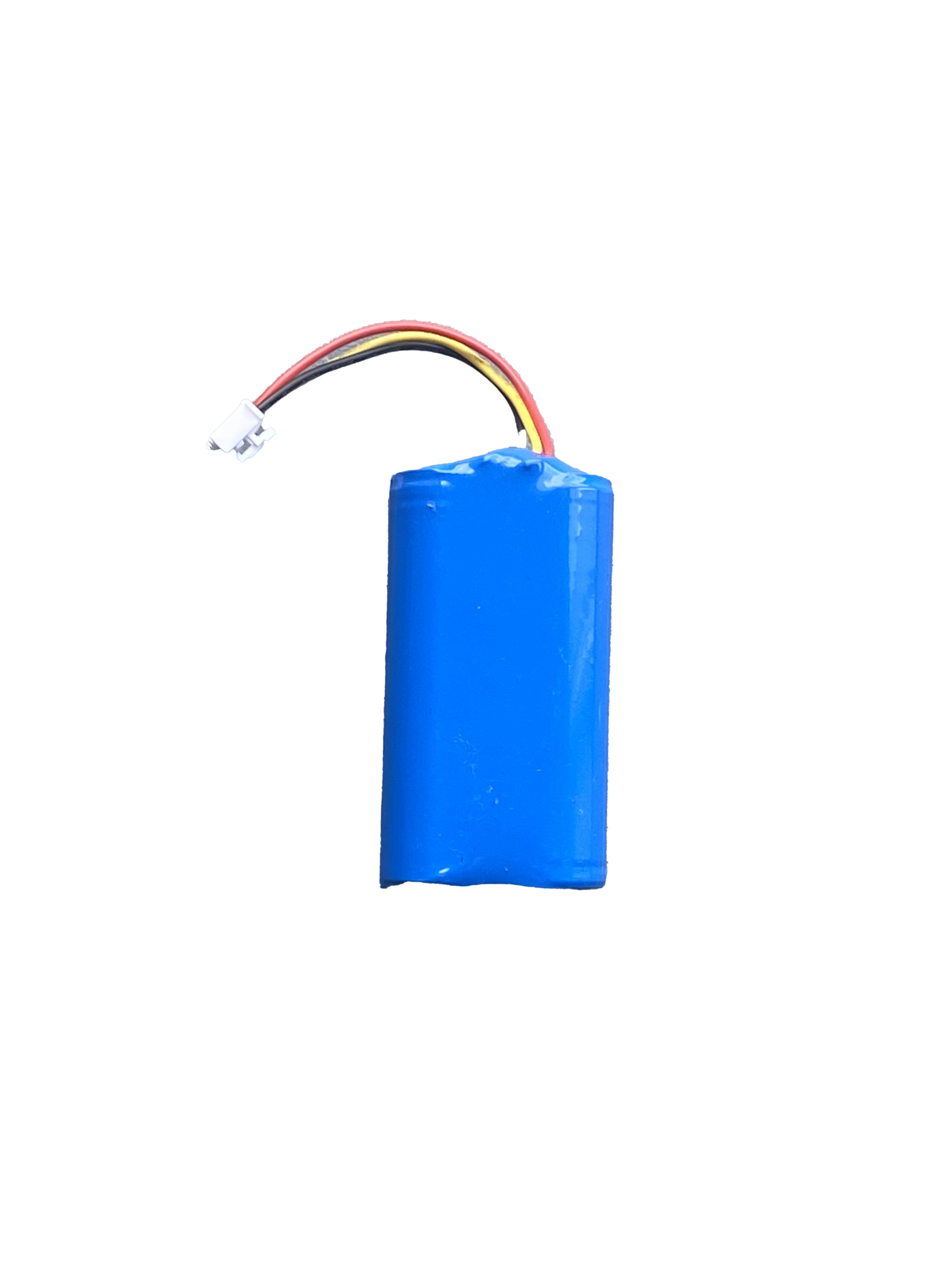
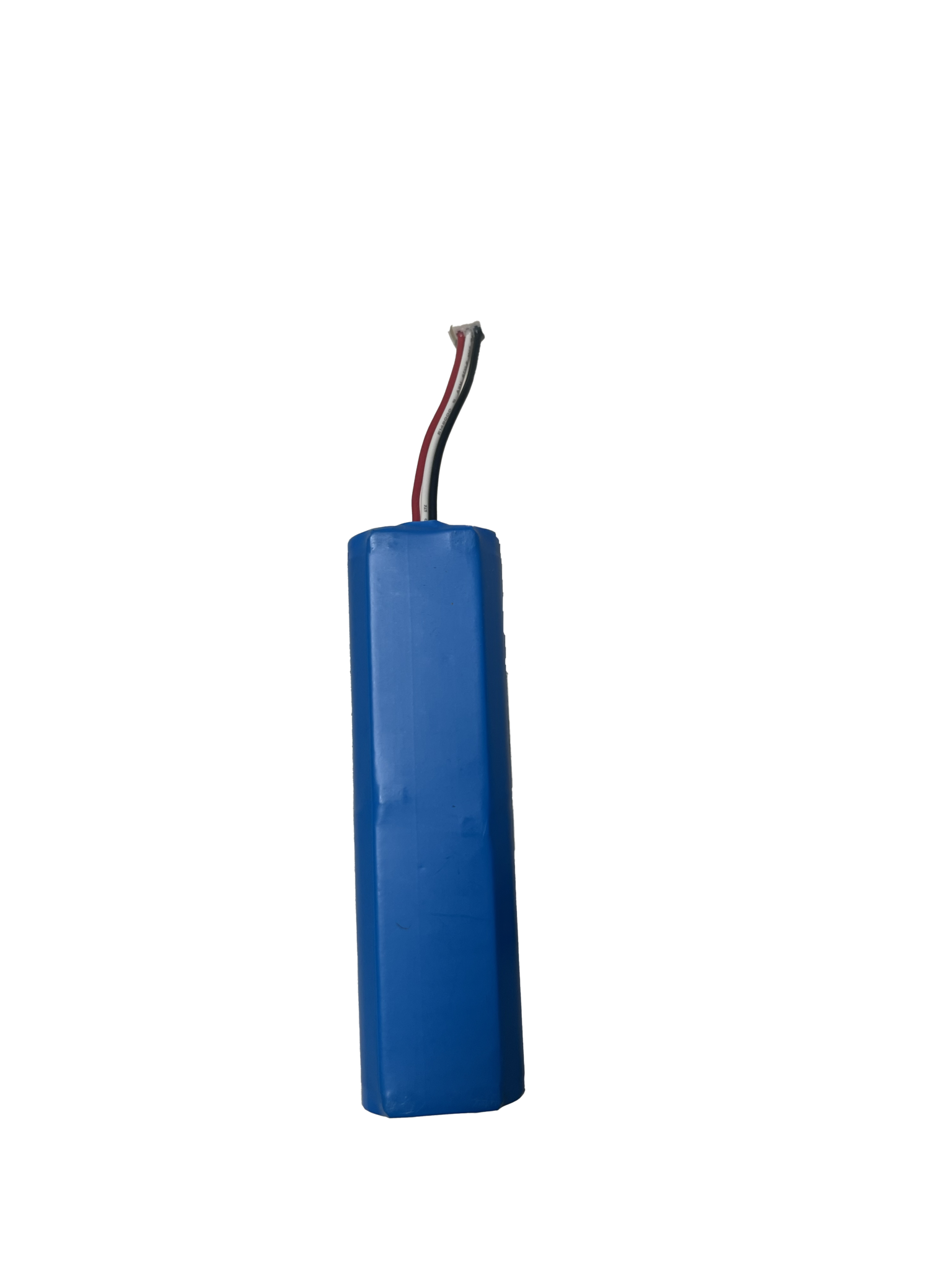
Batteries for all robot vacuums
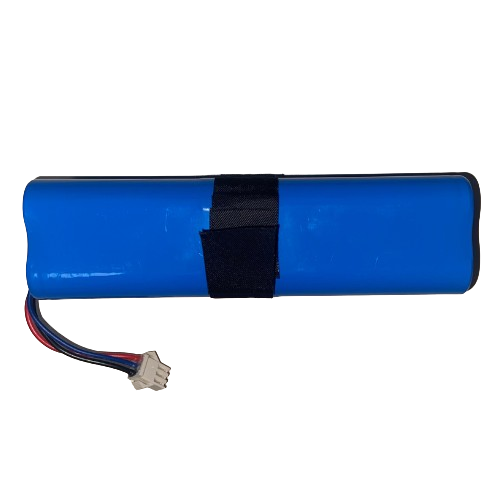
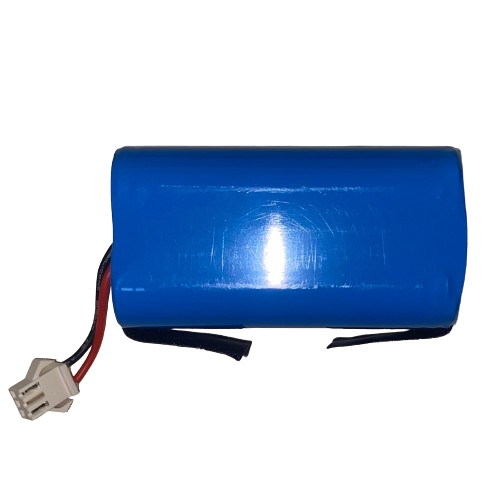
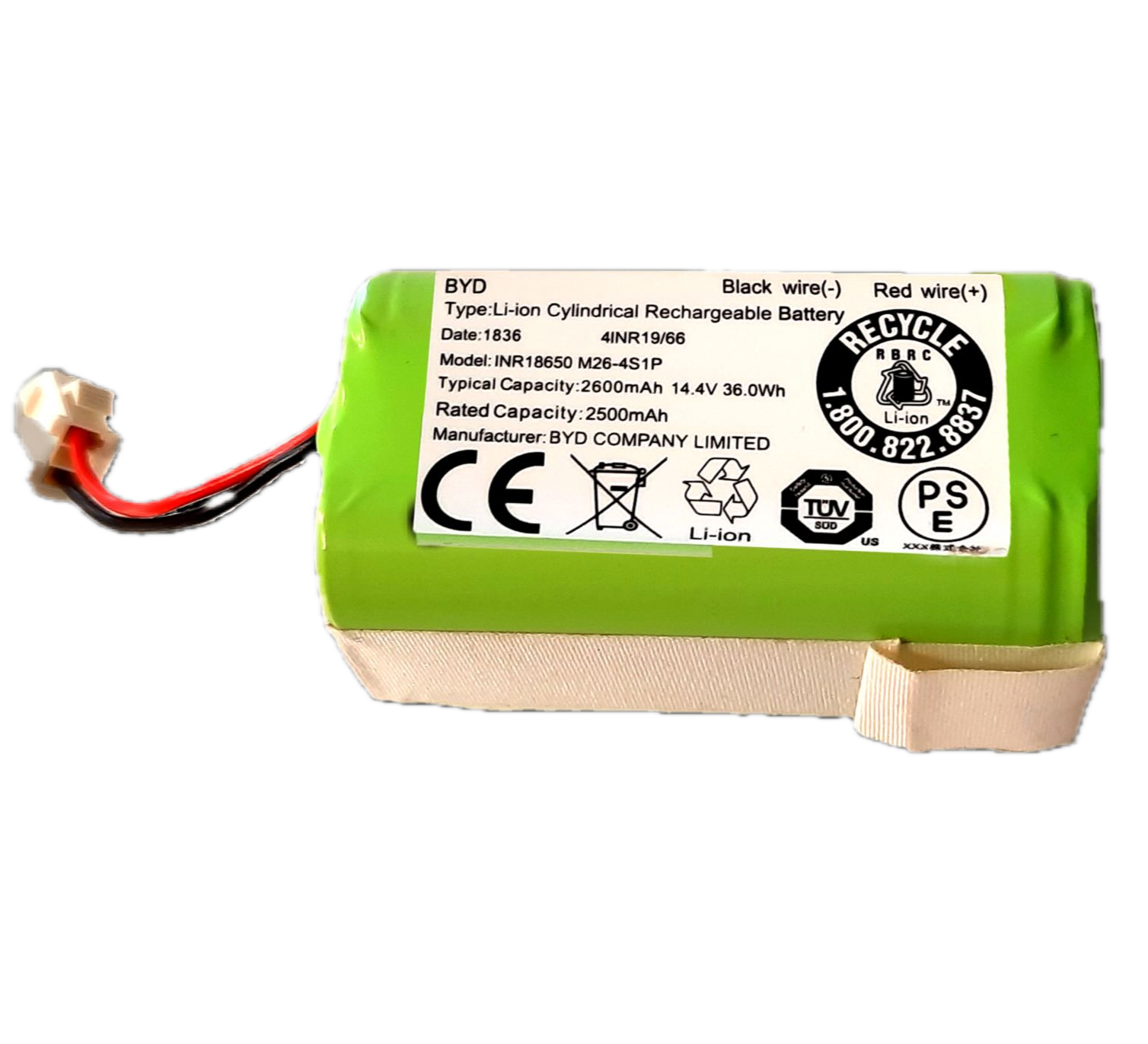
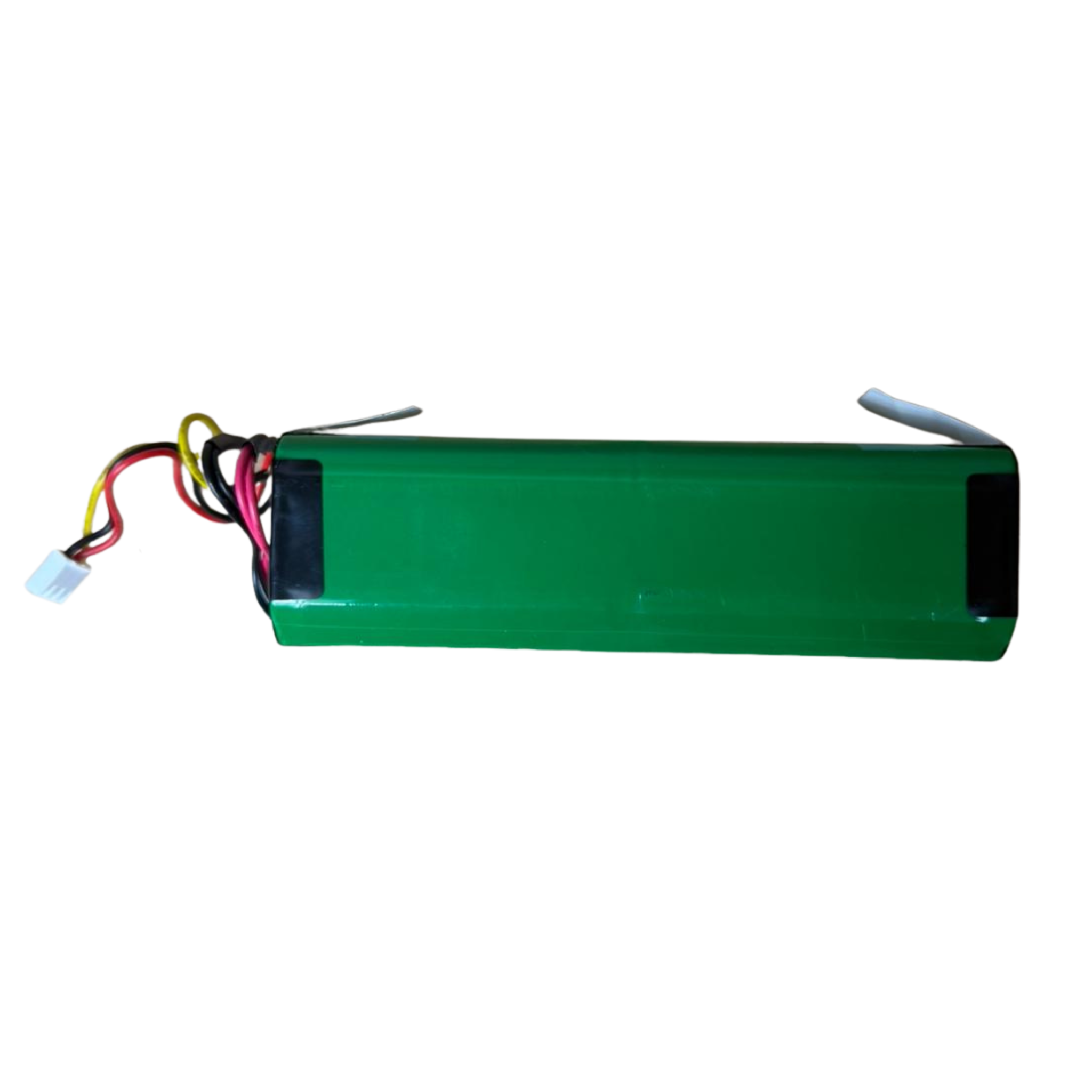
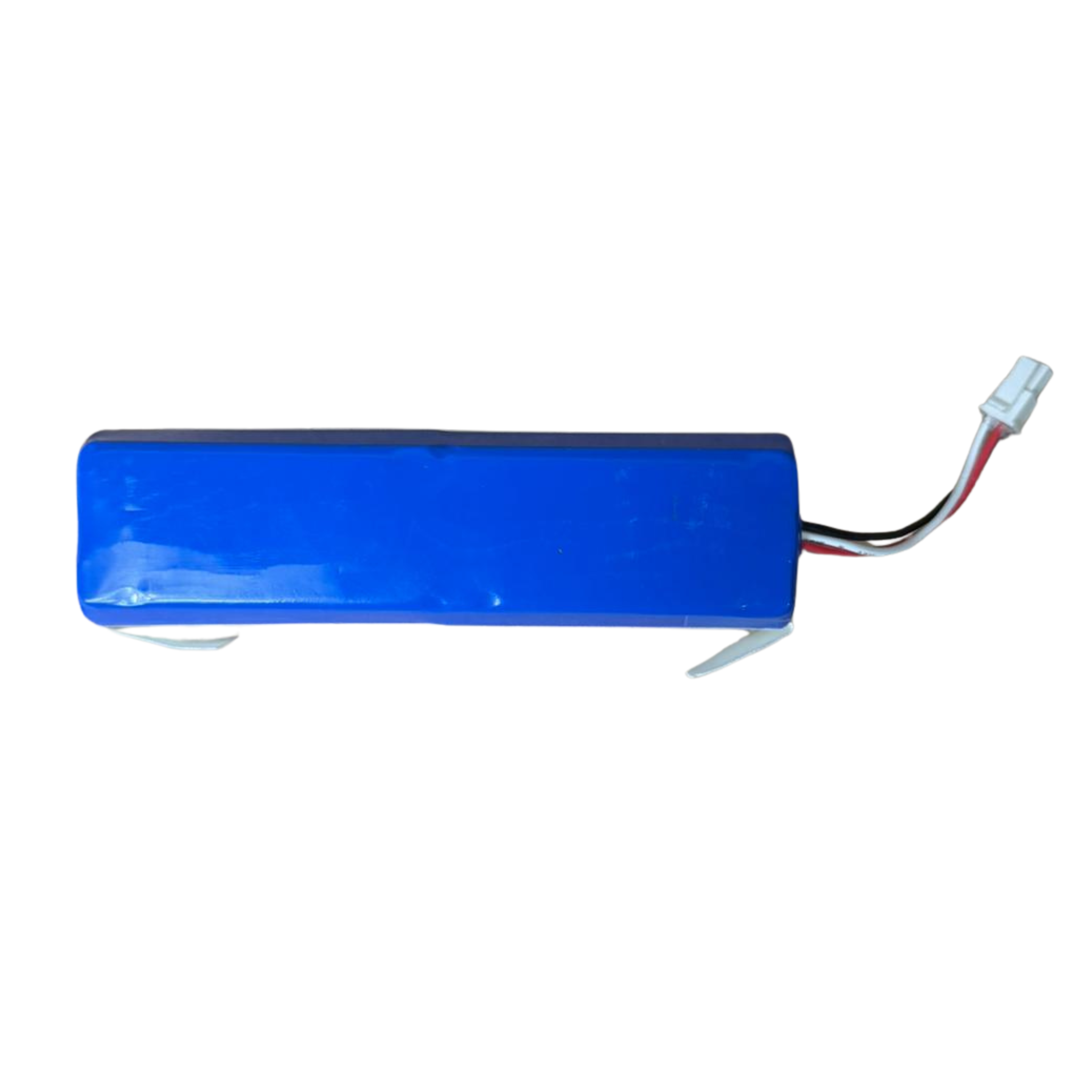
Choose the right battery for your robot.
Check the manual for instructions on how to install the battery.
You can replace it yourself.
- Between the two side brushes, there is a flap secured with two screws.
- You need to unscrew these and remove the battery.
- Disconnect the battery at the plug and connect the new battery.
- Mount the flap and the robot is ready to go again.
Your order will be delivered within 1 - 2 business days.
We offer a 6-month warranty on parts and accessories, with the exception of wear parts.
For more info, please see:
Read more about warranty and returns
Choose the right battery for your robot.
Check the manual for instructions on how to install the battery.
You can replace it yourself.
- Between the two side brushes, there is a flap secured with two screws.
- You need to unscrew these and remove the battery.
- Disconnect the battery at the plug and connect the new battery.
- Mount the flap and the robot is ready to go again.
What's in the box
In the box you will find everything for a smooth installation and use.
Have a question? We're here to help.
View the most frequently asked questions from our customers. Do you still have questions? Please contact our customer service.
How long does it take for my order to arrive?
Delivery/Shipping
- Zoef Robot strives to offer orders for shipment within 1 to 2 working days after receipt of payment.
- We will inform you about the shipment of your package and will provide you with the Track & Trace information. The shipping time of your package is usually 1 to 2 working days. If you have not received a track and trace code, please check if it has not ended up in your SPAM folder.
I cannot find the accessory I am looking for
Some accessories are listed under a general name, such as: HEPA Filter for robot vacuum cleaners. Here you can select the correct variant for your robot on the page.
If you cannot find an accessory, please feel free to contact us at: service@zoefrobot.nl and we will see if we have it available.
What are the shipping costs?
For orders under €100, shipping costs will be charged. Most accessories can be sent as a letterbox package and will cost €3.95 in the Netherlands and €4.95 in Belgium. If the accessories are not sent as a letterbox package, the shipping costs are €6.95.
Are there discounts for bulk orders?
Yes, absolutely! With many accessories, you receive a discount if you order a certain quantity. Sometimes it can be very convenient to order in advance and include more in one order. For accessories where this applies, the discount is automatically calculated.
Can I return an accessory if it doesn't fit or doesn't work?
If an accessory does not fit or work, you can return it or we can exchange it for you. You can contact us via: service@zoefrobot.nl and we will be happy to help you further.
What is the lifespan of the accessories?
The lifespan depends heavily on the use and maintenance of the robot. Make sure you maintain the accessories well and clean them regularly if possible, so that they remain in good condition longer and the robot maintains the best performance.
If you have any questions about how long you can use an accessory, please feel free to contact us at service@zoefrobot.nl and we will be happy to advise you.